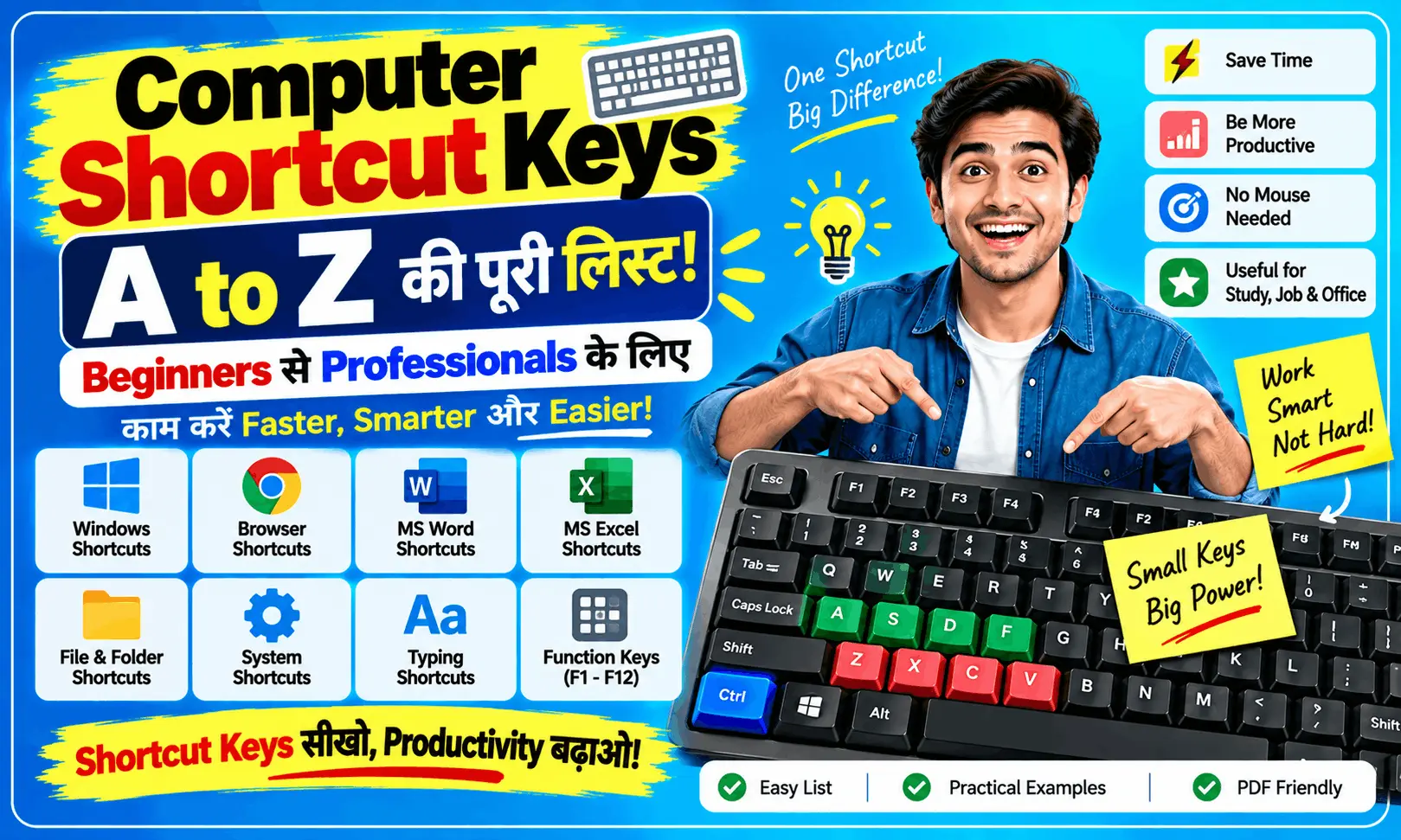
Computer shortcut keys A to Z ki complete list jaaniye. Ctrl A to Z, Windows shortcut keys, MS Word, Excel aur daily computer work ke useful keyboard shortcuts simple Hinglish mein seekhein.
Computer Shortcut Keys Kya Hote Hain?
Computer par kaam karte waqt hum mouse se baar-baar options par click karte hain. Lekin kya aap jaante hain ki keyboard ki kuch shortcut keys se wahi kaam bahut jaldi kiya ja sakta hai?
For example, kisi text ko copy karna ho to mouse se right-click karke Copy select karne ki zarurat nahi.
Bas:
Ctrl + C = Copy
Isi tarah:
Ctrl + V = Paste
Ctrl + S = Save
Ctrl + Z = Undo
Shortcut keys ka use karne se computer par kaam fast, easy aur efficient ho sakta hai.
🔥 Most Useful Computer Shortcut Keys
Sabse pehle un shortcuts ko yaad karein jo daily computer use mein sabse zyada kaam aate hain.
| Shortcut Key | Kaam |
|---|---|
| Ctrl + C | Copy |
| Ctrl + X | Cut |
| Ctrl + V | Paste |
| Ctrl + Z | Undo |
| Ctrl + Y | Redo |
| Ctrl + A | Select All |
| Ctrl + S | Save |
| Ctrl + P | |
| Ctrl + F | Find/Search |
| Ctrl + N | New |
| Ctrl + O | Open |
| Ctrl + W | Current window/tab close |
💡 Easy Trick:
C = Copy, X = Cut, V = Paste, Z = Undo, A = All
Bas in 5–6 shortcuts ko daily use karna start kar dijiye, automatically yaad hone lagenge.
🅰️ Computer Shortcut Keys A to Z
Ab dekhte hain commonly used Ctrl + A to Z shortcut keys.
| Shortcut | Function |
|---|---|
| Ctrl + A | Select All |
| Ctrl + B | Bold |
| Ctrl + C | Copy |
| Ctrl + D | Bookmark / Duplicate, app ke according |
| Ctrl + E | Center Align / Search, app ke according |
| Ctrl + F | Find |
| Ctrl + G | Go To |
| Ctrl + H | Replace |
| Ctrl + I | Italic |
| Ctrl + J | Justify / Downloads, app ke according |
| Ctrl + K | Insert Link |
| Ctrl + L | Address Bar / Align Left, app ke according |
| Ctrl + M | Indent, app ke according |
| Ctrl + N | New |
| Ctrl + O | Open |
| Ctrl + P | |
| Ctrl + Q | Quit, supported apps mein |
| Ctrl + R | Refresh / Align Right, app ke according |
| Ctrl + S | Save |
| Ctrl + T | New Browser Tab |
| Ctrl + U | Underline |
| Ctrl + V | Paste |
| Ctrl + W | Close |
| Ctrl + X | Cut |
| Ctrl + Y | Redo |
| Ctrl + Z | Undo |
⚠️ Important: Har shortcut har software mein exactly same kaam nahi karta. Kuch keys ka function application ke according change ho sakta hai.
🪟 Windows Keyboard Shortcut Keys
Agar aap Windows computer use karte hain, to Windows Key wale shortcuts bhi kaafi useful hain.
| Shortcut | Kaam |
|---|---|
| Windows + D | Desktop show/hide |
| Windows + E | File Explorer |
| Windows + L | Computer Lock |
| Windows + R | Run Dialog Box |
| Windows + I | Settings |
| Windows + S | Search |
| Windows + Tab | Task View |
| Windows + Shift + S | Screenshot area select |
| Alt + Tab | Open apps ke beech switch |
| Alt + F4 | Current window close |
⭐ Ek shortcut zaroor yaad rakhein:
Windows + Shift + S
Isse Windows mein screen ke kisi particular area ka screenshot capture karna easy ho jata hai.
🌐 Browser Shortcut Keys
Chrome, Edge jaise browsers use karte waqt ye shortcuts bahut useful ho sakte hain.
| Shortcut | Kaam |
|---|---|
| Ctrl + T | New Tab |
| Ctrl + W | Current Tab Close |
| Ctrl + Shift + T | Recently Closed Tab Reopen |
| Ctrl + Tab | Next Tab |
| Ctrl + Shift + Tab | Previous Tab |
| Ctrl + L | Address Bar Select |
| Ctrl + R | Refresh |
| Ctrl + D | Bookmark Page |
| Ctrl + F | Page mein Search |
| Ctrl + + | Zoom In |
| Ctrl + – | Zoom Out |
| Ctrl + 0 | Default Zoom |
Ctrl + Shift + T especially useful hai. Galti se tab close ho gaya? Shortcut dabao aur recently closed tab wapas aa sakta hai.
📄 MS Word Ke Useful Shortcut Keys
MS Word mein typing aur document formatting ke liye shortcuts kaafi time save kar sakte hain.
| Shortcut | Kaam |
|---|---|
| Ctrl + B | Bold |
| Ctrl + I | Italic |
| Ctrl + U | Underline |
| Ctrl + E | Center Align |
| Ctrl + L | Left Align |
| Ctrl + R | Right Align |
| Ctrl + J | Justify |
| Ctrl + K | Hyperlink |
| Ctrl + S | Save |
| Ctrl + P | |
| Ctrl + H | Find & Replace |
Agar aap office work ya computer course kar rahe hain, to ye shortcuts daily practice ke liye useful hain.
📊 MS Excel Ke Useful Shortcut Keys
Excel users ke liye bhi keyboard shortcuts kaafi helpful hote hain.
| Shortcut | Kaam |
|---|---|
| Ctrl + C | Copy |
| Ctrl + V | Paste |
| Ctrl + Z | Undo |
| Ctrl + S | Save |
| Ctrl + F | Find |
| Ctrl + H | Replace |
| Ctrl + 1 | Format Cells |
| Ctrl + Arrow Key | Data area mein quickly move |
| Ctrl + Shift + L | Filter On/Off |
| F2 | Cell Edit |
Excel mein shortcuts seekhne ka best method hai ki list ratne ke bajay kaam karte waqt shortcut use karein.
💻 Function Keys F1 Se F12
Keyboard ke top par jo F1–F12 keys hoti hain, unhe Function Keys kaha jata hai.
Kuch commonly known uses:
| Key | Common Use |
|---|---|
| F1 | Help |
| F2 | Selected item/cell edit |
| F3 | Search/other app-specific function |
| F4 | Repeat action / address bar focus, context dependent |
| F5 | Refresh |
| F6 | Screen elements ke beech move |
| F7 | Spelling/grammar, supported apps |
| F10 | Menu bar activation |
| F11 | Full Screen, supported apps |
| F12 | Save As / developer tools, context dependent |
⚠️ Function keys ka exact use software aur operating system ke according change ho sakta hai.
🎯 Shortcut Keys Yaad Kaise Karein?
Agar aapko 50–100 shortcuts ek saath yaad karne hain, to naturally confusion ho sakta hai.
Iske bajay category-wise shortcuts seekhein:
Day 1
Ctrl + A, C, X, V, Z, Y
Day 2
Ctrl + S, P, F, N, O, W
Day 3
Browser shortcuts
Day 4
Windows shortcuts
Day 5
MS Word shortcuts
Day 6
Excel shortcuts
Day 7
Revision + Practical Practice
7 din tak daily use karne se shortcuts yaad rehne ke chances kaafi badh jaate hain.
👨💻 Computer Shortcut Keys Seekhna Kyun Important Hai?
Shortcut keys sirf exam ke liye nahi hain. Ye practical computer work mein bhi useful hain.
Main benefits:
- ⚡ Kaam jaldi hota hai
- 🖱️ Mouse par dependency kam hoti hai
- ⌨️ Typing/workflow efficient hota hai
- 📄 Documents mein time save hota hai
- 📊 Excel work faster ho sakta hai
- 💼 Office work mein productivity improve ho sakti hai
- 🎓 Students ke liye computer use easy hota hai
🧠 Easy Shortcut Trick
Kuch shortcuts ko letters ke meaning se yaad karna bahut easy hai:
C = Copy
V = Paste
X = Cut
S = Save
P = Print
F = Find
A = All
Z = Undo
Y = Redo
T = New Tab
Is trick se beginners ko shortcuts ratne ki zarurat kam padti hai.
Conclusion
Computer Shortcut Keys computer use karne ka ek simple lekin powerful part hain. Aapko saari shortcut keys ek saath yaad karne ki zarurat nahi hai.
Pehle Ctrl + A, C, X, V, Z, S, F, P jaise daily-use shortcuts se start karein. Uske baad Windows, Browser, MS Word aur Excel ke shortcuts gradually seekhein.
Sabse important baat:
Shortcut keys ko ratna nahi, use karna seekhna hai.
Jitna zyada aap practical computer work mein shortcuts use karenge, utna hi naturally aapko yaad hote jayenge.
🔎 Computer Shortcut Keys – Top 10 Search FAQs
1. Computer shortcut keys kya hoti hain?
Computer shortcut keys keyboard ke specific key combinations hote hain jinke through common computer tasks ko quickly perform kiya ja sakta hai.
2. Ctrl A to Z shortcut keys kya hain?
Ctrl + A se Select All, Ctrl + C se Copy, Ctrl + V se Paste, Ctrl + X se Cut, Ctrl + S se Save aur Ctrl + Z se Undo jaise common functions perform kiye ja sakte hain.
3. Computer mein Copy ka shortcut kya hai?
Ctrl + C computer mein selected text, file ya item ko copy karne ka commonly used shortcut hai.
4. Paste ka shortcut key kya hai?
Ctrl + V Paste karne ka standard shortcut hai.
5. Computer mein Cut ka shortcut kya hai?
Ctrl + X selected text ya item ko Cut karne ke liye use kiya jata hai.
6. Computer mein Undo ka shortcut kya hai?
Ctrl + Z commonly last action ko Undo karne ke liye use hota hai.
7. Computer mein Screenshot ka shortcut kya hai?
Windows mein Windows + Shift + S se screen ke selected area ka screenshot capture karne ka option khola ja sakta hai.
8. Laptop mein copy paste ka shortcut kya hai?
Laptop mein bhi normally Ctrl + C = Copy aur Ctrl + V = Paste hota hai.
9. MS Word ke important shortcut keys kaunse hain?
MS Word mein Ctrl + B, Ctrl + I, Ctrl + U, Ctrl + S, Ctrl + P, Ctrl + F jaise shortcuts commonly useful hain.
10. Excel ke important shortcut keys kaunse hain?
Excel mein Ctrl + S, Ctrl + C, Ctrl + V, Ctrl + Z, Ctrl + F, Ctrl + 1, Ctrl + Shift + L aur F2 jaise shortcuts useful hain.